Full Case Study

St Rita's Retreat Center

Scope: Discovery, content migration, Webflow build, systems setup, and training
The Problem

A system built on memory, not structure, fails under pressure

Key processes relied on informal knowledge and manual work, making consistency difficult to maintain.
  • No clear path to inquiry
  • Navigation leads to dead ends
  • No visibility into availability
  • Content disconnected from intention
Before
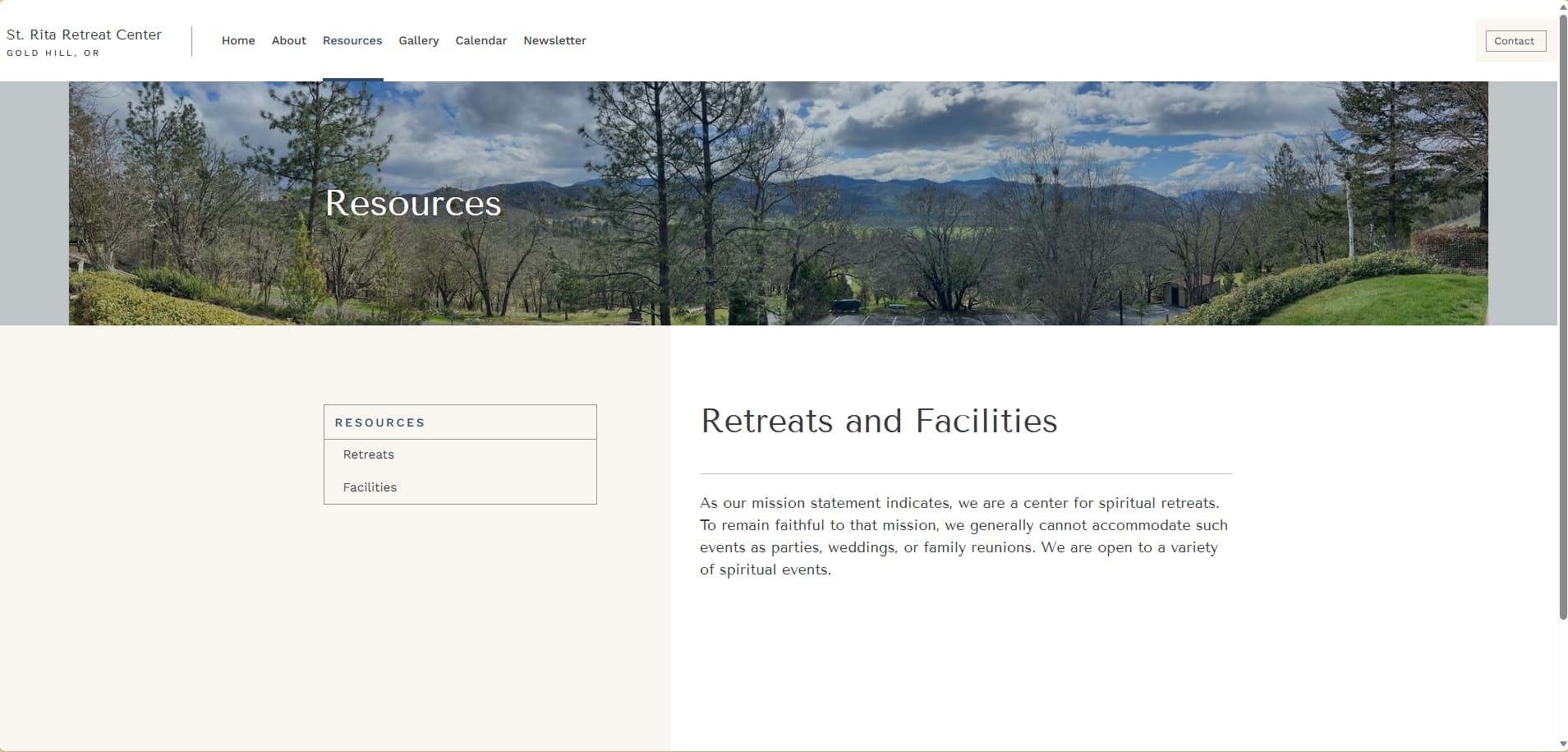
Before redesign: St. Rita Retreat Center resources page with a landscape header image, a sidebar listing ‘Retreats’ and ‘Facilities,’ and a block of introductory text.

The site did not create a clear next step for someone trying to move from interest to contact.

Key information and action were not working together, which made inquiry feel uncertain and unsupported.

The site did not create a clear next step from interest to inquiry.
Information and action were disconnected, making contact feel uncertain.

No clear path to inquiry
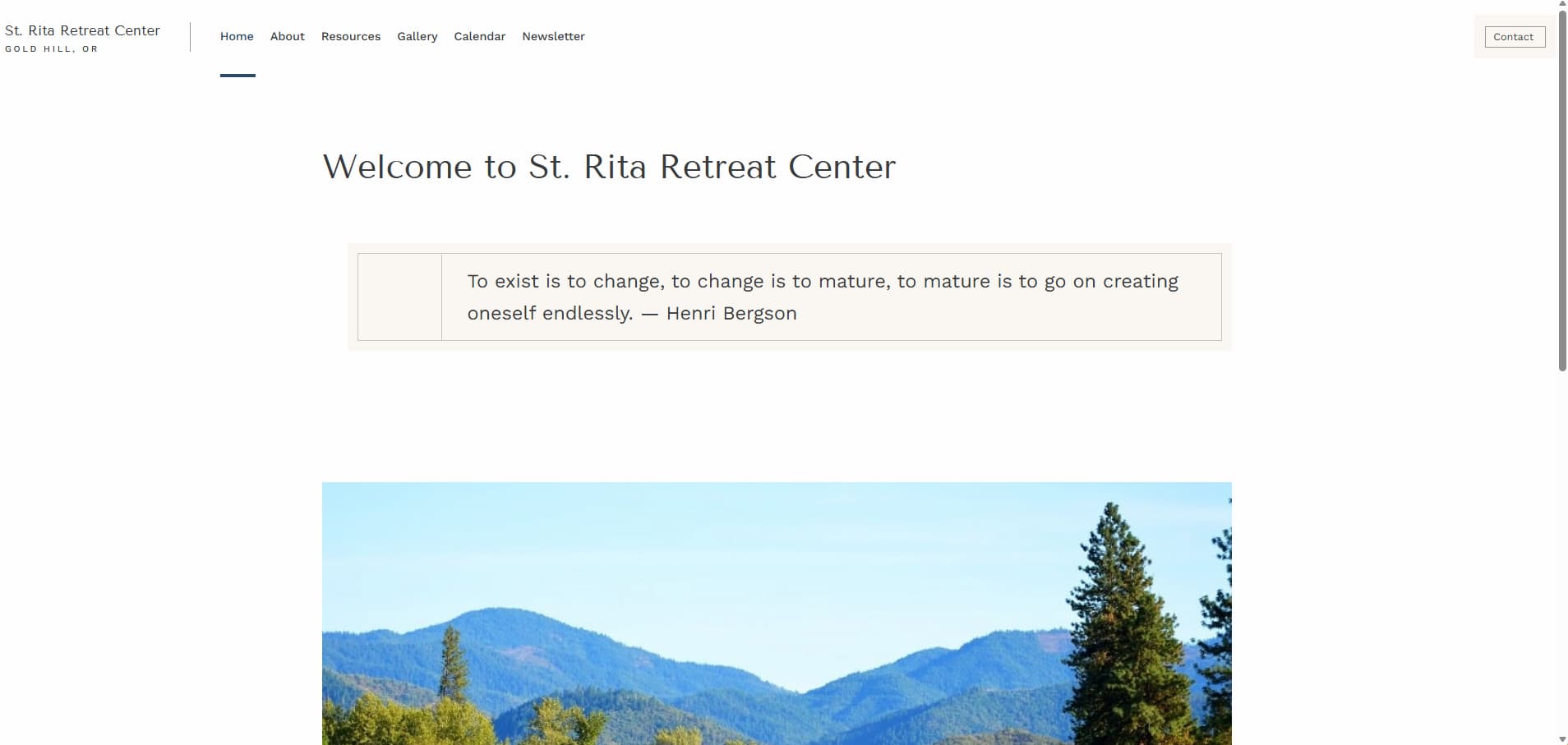
Before redesign: homepage of St. Rita Retreat Center with a centered welcome heading, a quote by Henri Bergson, and a large landscape image below.

Navigation should help users move through a site with clarity and confidence. In the original system, that structure was not in place.

Some links led to empty or low value pages, while others rerouted users toward alternate paths instead of resolving the need directly.

Navigation left users feeling uncertain.
Some links led to empty pages, while others rerouted users instead of resolving the need directly.

broken navigation logic
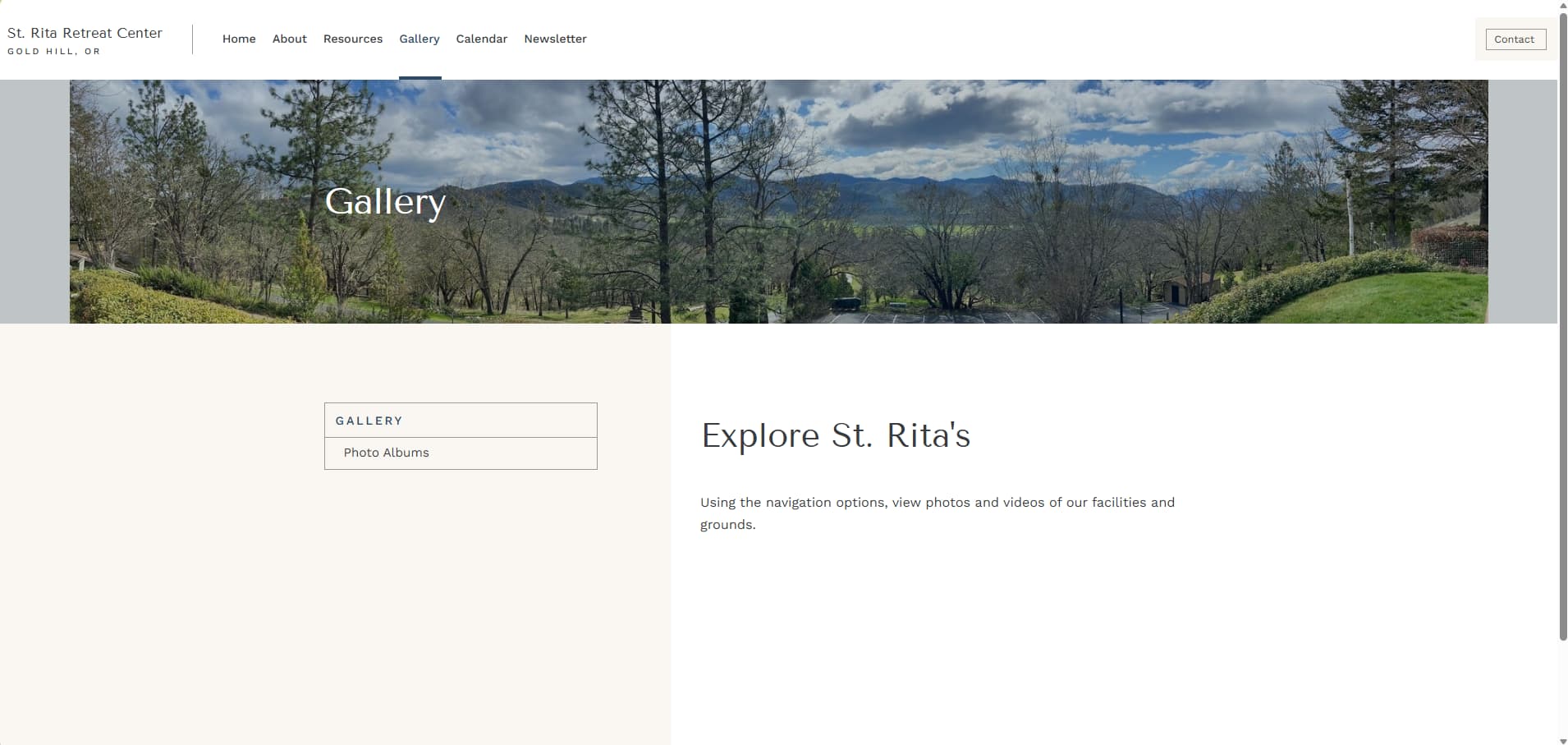
Before redesign: St. Rita Retreat Center gallery page with a landscape header image, a sidebar link to photo albums, and a short description of the grounds.

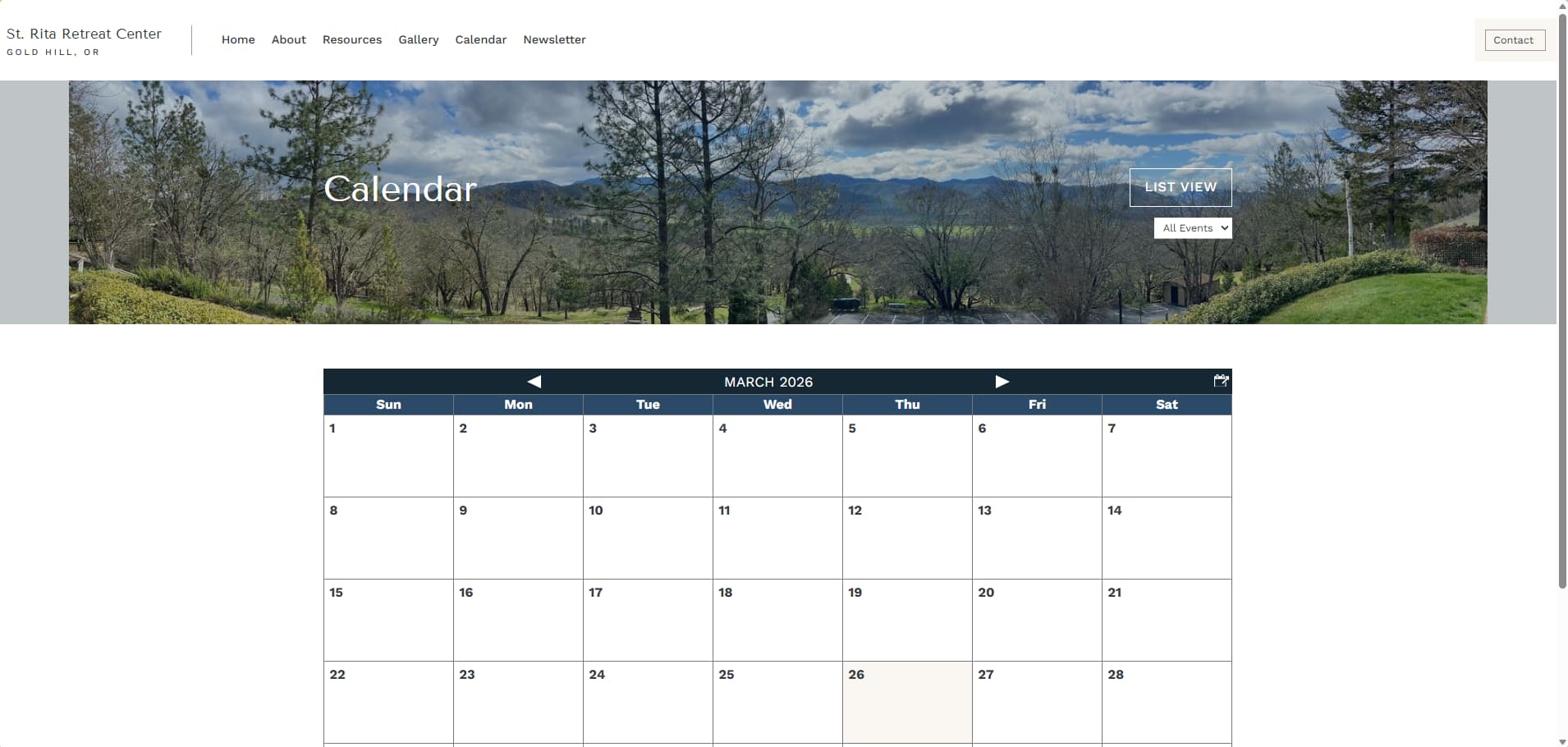
A empty calendar-style interface suggested a booking system the organization was not actually using.

That created friction instead of clarity, and gave visitors the wrong expectation about how availability worked.

A calendar-style interface suggested a booking system the organization was not actually using.
That created the wrong expectation around availability.

implied functionality
Before redesign: St. Rita Retreat Center calendar page showing a monthly event calendar grid with navigation controls and a landscape header image.

Important information was sometimes present, but it was not structured in a way that helped users absorb it easily.

Visitors were left to piece together expectations on their own instead of being guided through them clearly.

Important information was present, but not structured clearly.
Visitors were left to piece together expectations on their own.

Weak content guidance
BEFORE → AFTER

A clearer system for inquiry, content, and operations

The rebuild introduced a small set of systems to restore clarity and control.
01 Inquiry Flow

Clear path from information to inquiry
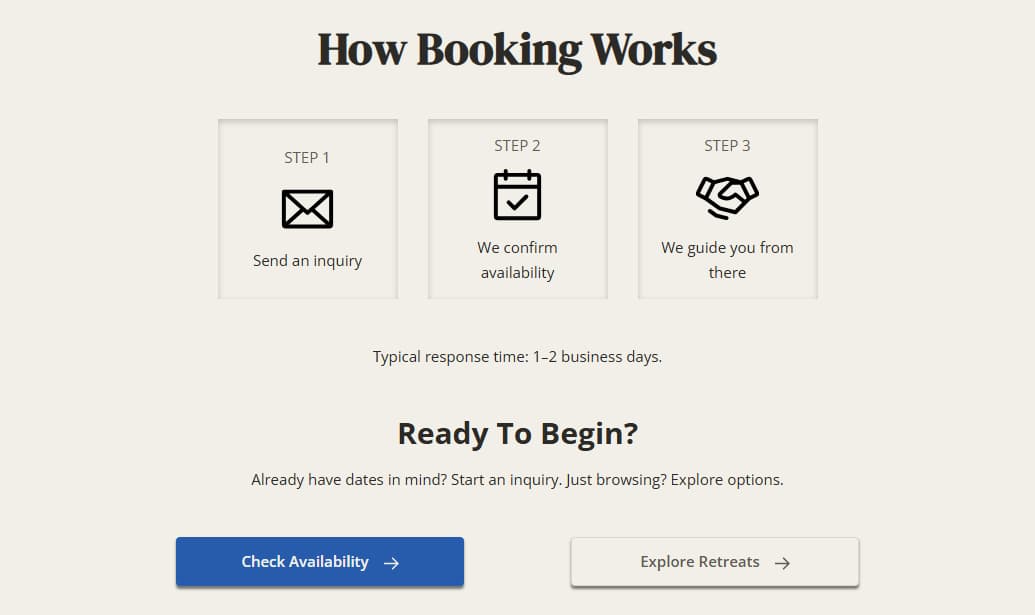
The site guides users toward inquiry with clear next steps instead of leaving them to interpret what to do.
Section titled 'How Booking Works' showing three steps: Send an inquiry with an envelope icon, Confirm availability with a calendar icon, and Guide from there with a handshake icon, followed by buttons to check availability or explore retreats.

The inquiry path was restructured so users could move from orientation to action without unnecessary friction.

Expectations were clarified, decision points were simplified, and the next step became easier to understand.

The inquiry path was clarified to guide users from orientation to action.
Expectations and next steps became easier to understand.

02 Availability System

Availability made visible and manageable
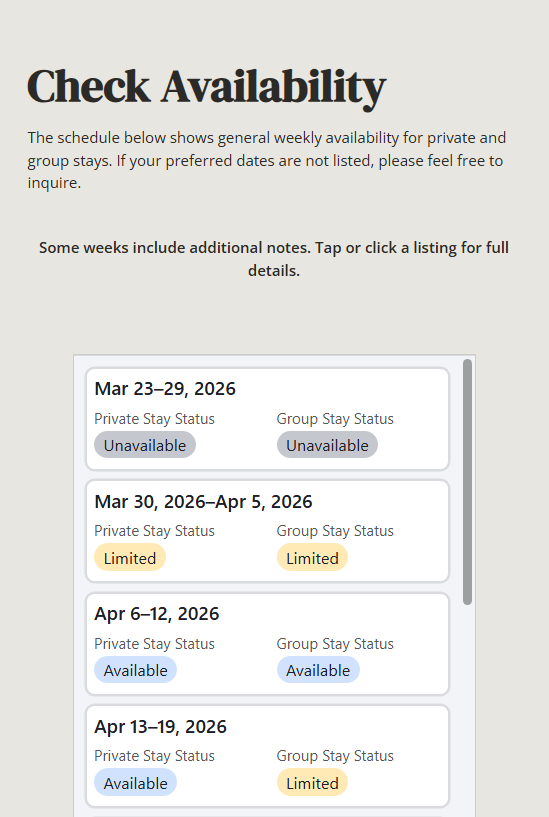
A lightweight availability system replaced a non-functional calendar with a clear, maintainable signal.
Availability schedule showing weekly status for private and group stays from March 23 to April 19, 2026, with statuses Unavailable, Limited, and Available.
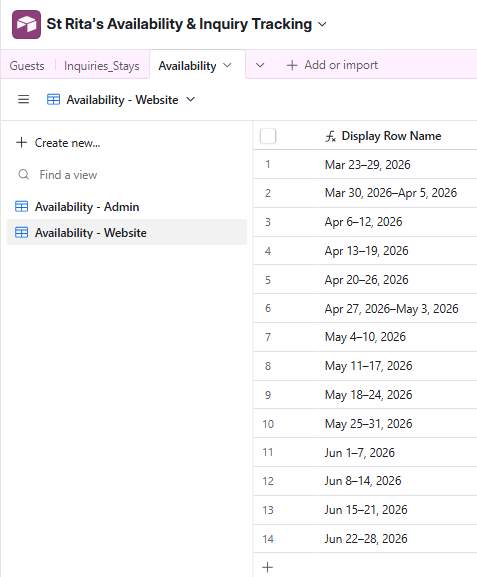
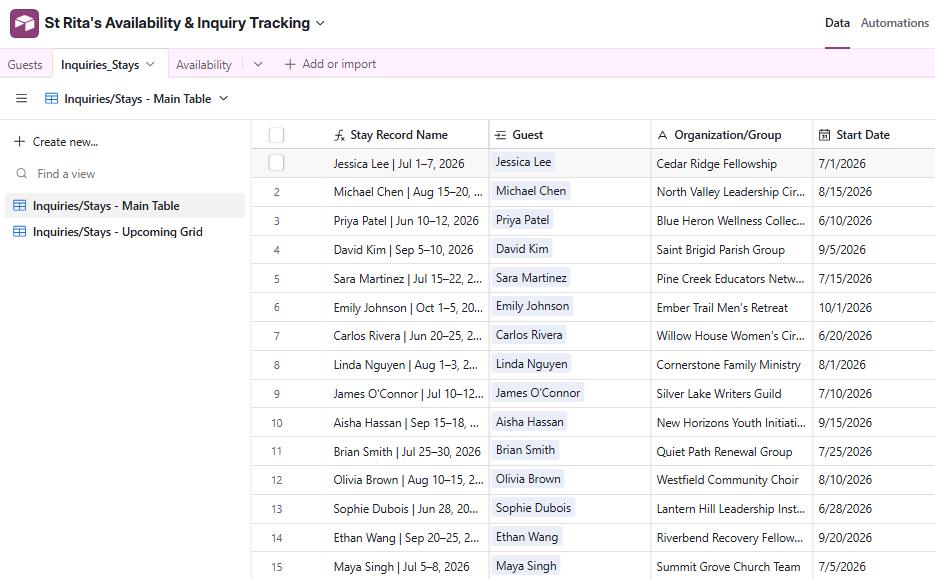
Airtable interface showing St Rita's Availability & Inquiry Tracking with a table listing date ranges from March 23 to June 28, 2026.

The original calendar model was removed because it did not support how inquiries were actually handled.

A weekly block system made availability clearer for customers and staff while simplifying maintenance.

Airtable served as both the internal admin layer and the public-facing availability signal.

The old calendar model was replaced with a simpler weekly availability signal.
That made the system clearer for visitors and easier for staff to maintain.

03 Content System

Information structured for clarity and use
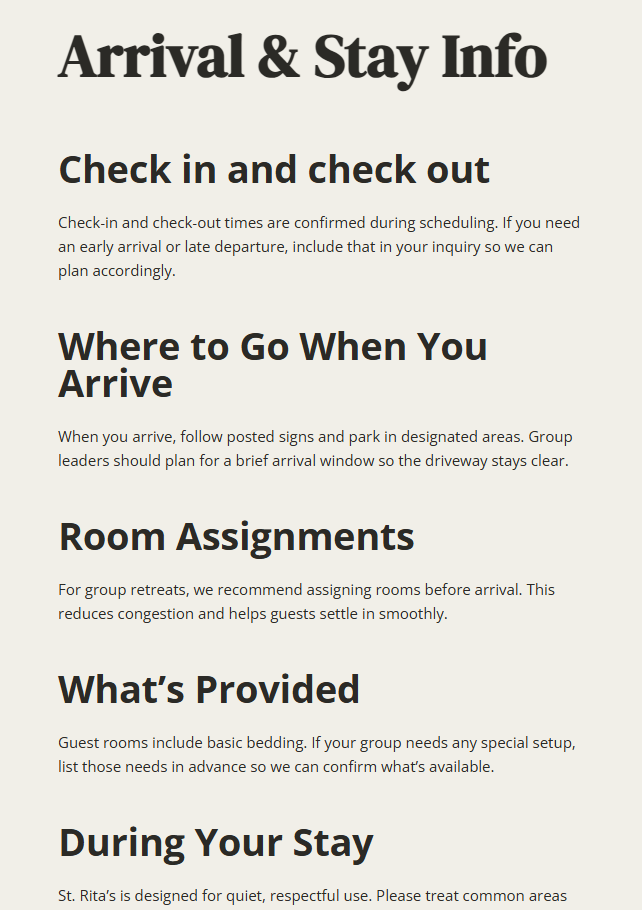
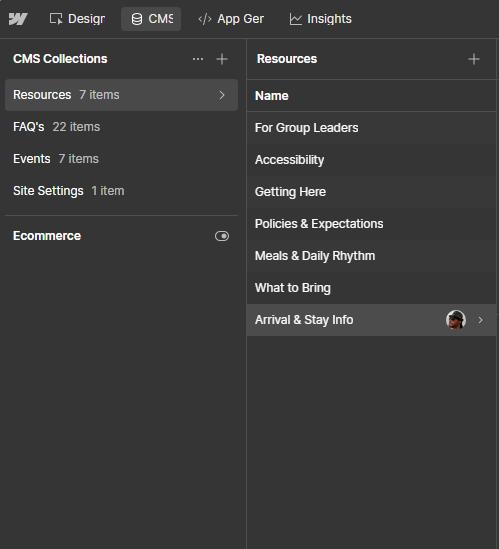
Information was restructured into a CMS to make content easier to navigate, update, and expand.
Informational text on What to Bring to St. Rita's including Essentials like towels, medications, comfortable clothing, and a light jacket; room details about fresh linens and no outside bedding; meals for private retreats requiring guests to bring own food and kitchenette access; and optional towel sets.
Text content titled 'Arrival & Stay Info' with sections on Check in and check out, Where to Go When You Arrive, Room Assignments, What’s Provided, and During Your Stay providing guidelines on scheduling, parking, room assignments, accommodations, and conduct.

Information was restructured into a CMS-based content system with clearer categories, reusable patterns, and a simpler navigation model.

That made content easier to browse, easier to update, and easier to expand over time.

Content was reorganized into clearer categories and reusable patterns.
That made information easier to find, update, and expand.

04 Operational Alignment

Built to support daily operations

The system was designed to support staff workflows with minimal complexity and clear boundaries.
Airtable interface showing St Rita's Availability & Inquiry Tracking with date ranges and corresponding statuses for Private Stay and Group Stay marked as Available, Limited, or Unavailable.

The operational layer was designed to support real staff workflows, not just public display.

Linked records, formulas, and lightweight automations reduced manual handling and made the system more usable day to day.

The admin layer was designed around real staff workflows.
Linked records, forms, and light automation reduced manual handling.

Key Decisions

What shaped the rebuild

  • Worked within an inquiry-first model
  • Avoided a booking engine that didn’t fit operations
  • Kept the system lightweight and staff-manageable
  • Client First framework for speed, consistency and maintainability.
  • Curated a limited photo set instead of expanding low-signal imagery
OUTCOME

What changed

For Visitors

  • Clear path to inquiry
  • Understandable offering
  • Visible availability context

For Staff

  • Structured intake process
  • Reduced ambiguity in booking
  • Maintainable system with low technical overhead
The system now supports both sides of the process - visitor clarity and operational control.

Internal systems work, built to be used

Not every project can be shown publicly. Some of my work has lived inside teams, training programs, and internal platforms. The throughline is the same: clear structure, maintainable systems, and handoff people can actually use.
Internal platforms

Launched to support real team use

Built and launched internal Webflow platforms that supported ongoing programs, event coordination, and ongoing team use. The work required clean implementation, cross-functional coordination, and a structure that could hold up beyond launch.

“Christopher’s efficiency and dedication were instrumental in the seamless launch of Learning Club and Women LEAD. His collaborative approach made cross-functional coordination smooth, and the platforms have been tremendously beneficial for our team.”
— Kellie Griffin, Talent Development Team

Handoff and maintainability

Structured so others can carry it forward

Strong systems should still make sense after handoff. This work focused on building with clarity, so the site stayed understandable, manageable, and flexible enough to support future growth.

“The infrastructure Chris built for our corporate intranet set me up to succeed after handoff. The site is easy to understand, thoughtfully built, and gives me confidence to maintain and update it. He has also been a huge asset in helping me learn Webflow, CMS building, and how to scale projects beyond one-time use.”
— Justin Umberson

Start a conversation about your project

A quick note is enough. I’ll help you figure out what’s next.